Online editing tuition, one-to-one
See what your woodland photos already hold.
Most woodland images have more in them than the first edit lets out. These are online one-to-one sessions, just you and me on a screen-share, working through your own files at whatever pace suits you. You bring the photos and the questions. We work on them together until the editing stops feeling like guesswork.
Start with your own files
Wherever you are with editing, we start there.
The session is built around your images, not a fixed curriculum.
Maybe your edits come out flat and you are not sure why. Maybe you can follow a tutorial but cannot read your own picture the same way afterwards. Maybe you have the software and none of the confidence. Wherever that leaves you, we start with a file of yours on the screen and work from there. Nothing is assumed. Nothing is rushed. You leave able to do it again on your own, which is the only test that matters.
At your pace.
We stop where you need to stop. If a step does not land, we stay with it until it does. The clock is not the point.
Your images, your goals.
We work on the photos you actually want to improve, towards the look you are after. Not my files, not a set exercise.
No jargon for its own sake.
The terms only earn their place when they help you see what to do next. Otherwise they stay out of the way.
How I teach editing
This is a way of working.
The slider does not know what your photograph is about. You do.
There is no shortage of editing tutorials. Watch enough and you can copy a look, then open your own file and find none of it fits. That is the gap most people are stuck in: a head full of settings and no way to read the image in front of them.
What I teach instead is the process I use on every woodland image I make, in three phases. First, RAW prep: a set of curve masks that strip the file back to a clean, neutral start, with no contrast or colour baked in. Even here there is no single setting; each of the four masks has its own options, and the right one is chosen for this particular file, not stamped across it. Second, enhancement: the real work, shaping light and tone and separation by hand and by eye, mostly in Luminar Neo. This is the part no preset can do for you. Third, finishing: a light touch with brushes for glow and depth.
We work on your own files, in that order, until you can see why each move was made and do it again without me. That is the difference between collecting techniques and being able to edit. It is slower at first and it lasts.
What editing actually does
Drag the handle. Same file, two readings.
Every pair below is one of my own raw files on the left and the finished edit on the right. Nothing added that was not in the picture to begin with. The work is in reading what was already there.
Enigma, late October
Emerald, July
Frost and oak, December
Bluebell wood, May
What a session involves
How a session actually goes.
Sessions run for ninety minutes, online, over Google Meet or Microsoft Teams. You share your screen, or I share mine, whichever helps. Three things tend to happen, in roughly this order.

We work out what you are after.
Before we open anything, we talk about the images you want to improve and what is not working for you yet. The session bends around that.

We edit together, live.
I work through your file with you watching and asking, showing how to read the picture and where each adjustment comes from. Colour, depth, atmosphere, structure, whatever the image needs.

You take the wheel.
You try it yourself with me alongside, so the move is in your hands and not just in your notes. That is the part that sticks.
What you take away
What a session gives you.
Natural woodland colour.
Greens that read as green, earthy browns, seasonal hues that hold up. The colour the wood actually had, brought back without it turning lurid.
Depth and flow.
Selective adjustments that give a flat frame dimension and lead the eye through the scene the way the wood led yours.
Quiet atmosphere.
Mist, soft light, gentle contrast: the mood is handled with restraint, so the picture feels like the place rather than a filter.
A couple of presets bookend the work: curve masks to clean the file at the start, brushes to finish. But even the prep is a set of choices, the right curve picked for each part of this particular file, not one setting stamped across it. The edit itself is done by hand and by eye. You cannot hand that over as a recipe, which is the whole reason a live session works.
In their own words
What people say afterwards.
My editing used to leave me drawing blanks. After the session I knew what I was looking at and why. My images have gone from average to ones I am happy to share.
John H.
I was sceptical that ninety minutes could do much. It did. Tim helped me turn flat, lifeless files into pictures I actually wanted to look at.
Lawrence S.
I have worked through a lot of editing tutorials online. None of them compares to one session with Tim, built around my own forest shots and the exact things I was getting wrong.
James C.
A grove that grows with every session.
Every booking plants a native British tree in Ethan's Grove at Trees for Life, in the Caledonian Forest. Not a gesture bolted on at checkout. Part of how this works.
The trees take a while. So does learning to see a picture clearly. The grove grows either way.
Book your session
Choose how you'd like to work.
Single session.
A single ninety-minute one-to-one, online, built around your own files.
£89 per session · One-to-one
Three-session package.
Three ninety-minute sessions, spaced to give you time to practise between each. The arc is the point: see it, try it, bring back what you did and we build on it.
£229 for three (you save £38) · One-to-one
Sessions make a good gift. Book one and I will send a printable voucher you can pass on, with your message and the booking date left open.
About your tutor
I still find editing the slow, good part.
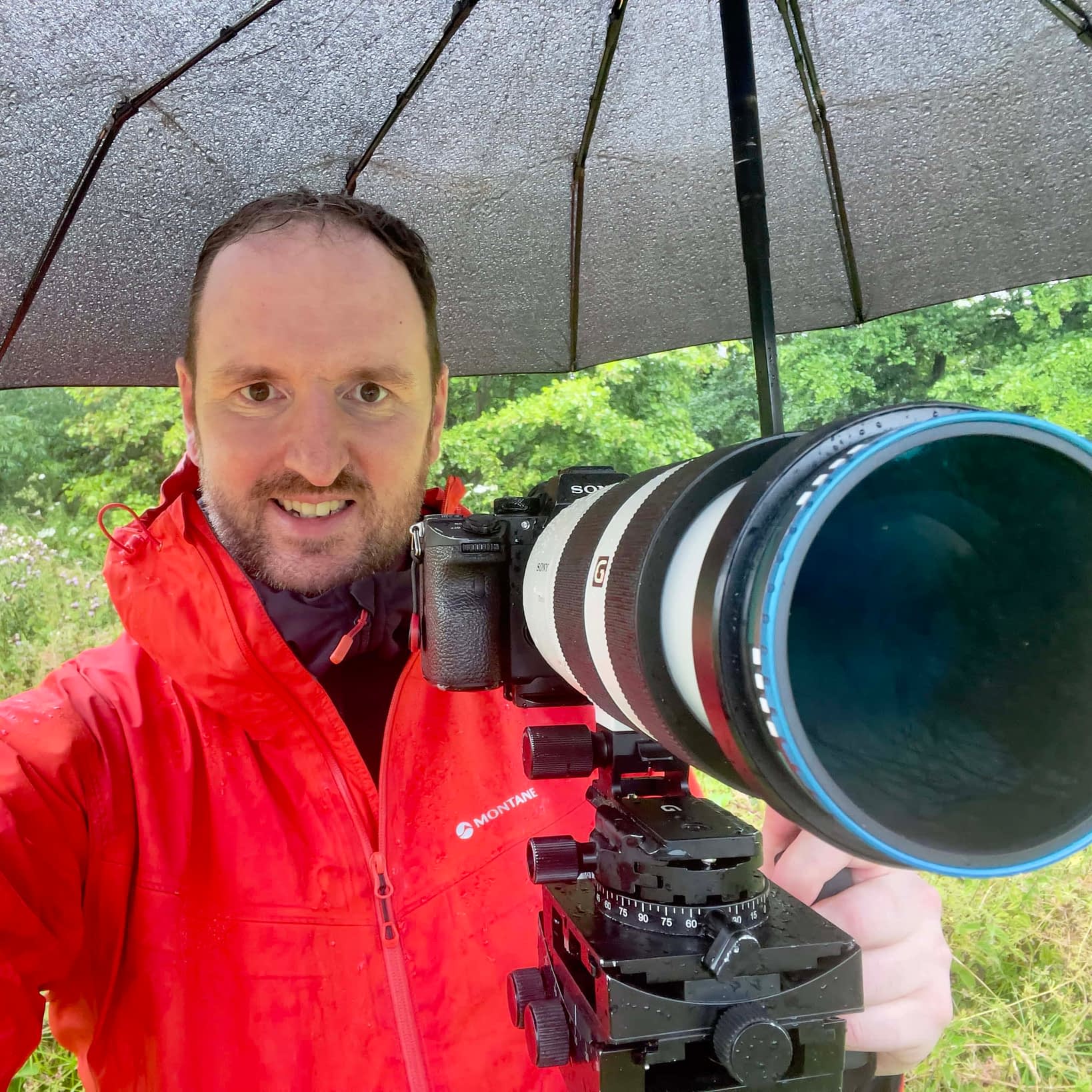
I am a woodland and nature photographer in Hertfordshire, and the edit is where a lot of the picture is found, not just finished. What I care about in a session is that you leave able to read your own files. The rest of the story is on the about page if you want it.
What we might work on
The kinds of files a session suits.


Before you book.
Do I need particular software for the sessions?
The sessions are built around Lightroom Classic, Photoshop and Luminar Neo, since that is what I edit in, but the thinking carries across most editing software. If you already work in something else, bring it. We can spend the time on how to read your picture rather than on which buttons your particular program uses. If you are not set up yet, tell me when you book and I will point you at what to install.
Can I bring my own images to work on?
Yes, and I would prefer you did. The whole point is to work on the files you actually want to improve, not a set exercise of mine. Send a handful ahead of the session and we will pick the ones that teach the most. If you would rather watch me work on one of mine first, that is fine too.
Are these sessions suitable for beginners?
Yes. A lot of people who come to me have watched plenty of tutorials and still cannot get their own files to sit right, which is exactly the gap these sessions close. We start wherever you are. If you are very new, we spend longer on the foundations. If you are further along, we go straight to the parts that are holding you back.
How does the three-session package work?
Three ninety-minute sessions, spaced out so you have time to practise between each. The order matters: see it in the first session, try it on your own afterwards, then bring back what you did and we build on it in the next. It works out cheaper than three single sessions, but the real reason to take it is that editing sticks when you practise between lessons rather than in one long sitting.
What happens if I need to reschedule?
Life happens. If you need to move a session, give me at least twenty-four hours' notice and I will work with you to find a new time that suits us both.
Will I get any follow-up after a session?
Yes. After each session I send you a recording of the call, along with a few resources to practise with. If something comes up later, you are welcome to get in touch for clarification or advice.
What do I need set up before we start?
Not much. A reasonably stable internet connection, your editing software open, and a few of your own RAW files to hand. We meet over Google Meet or Microsoft Teams, so you will get a link beforehand. If you can share your screen, do; if not, I will share mine. A second screen helps but is not required.
How do the tree plantings work?
Every booking plants a native British tree in Ethan's Grove at Trees for Life, in the Caledonian Forest. It is not an add-on at checkout or an offset you opt into. It happens with every session, as part of how this works. You can look the grove up at Trees for Life if you want to see where it goes.
Take it further
The edit is not where the picture is rescued. It is where you finish reading it.
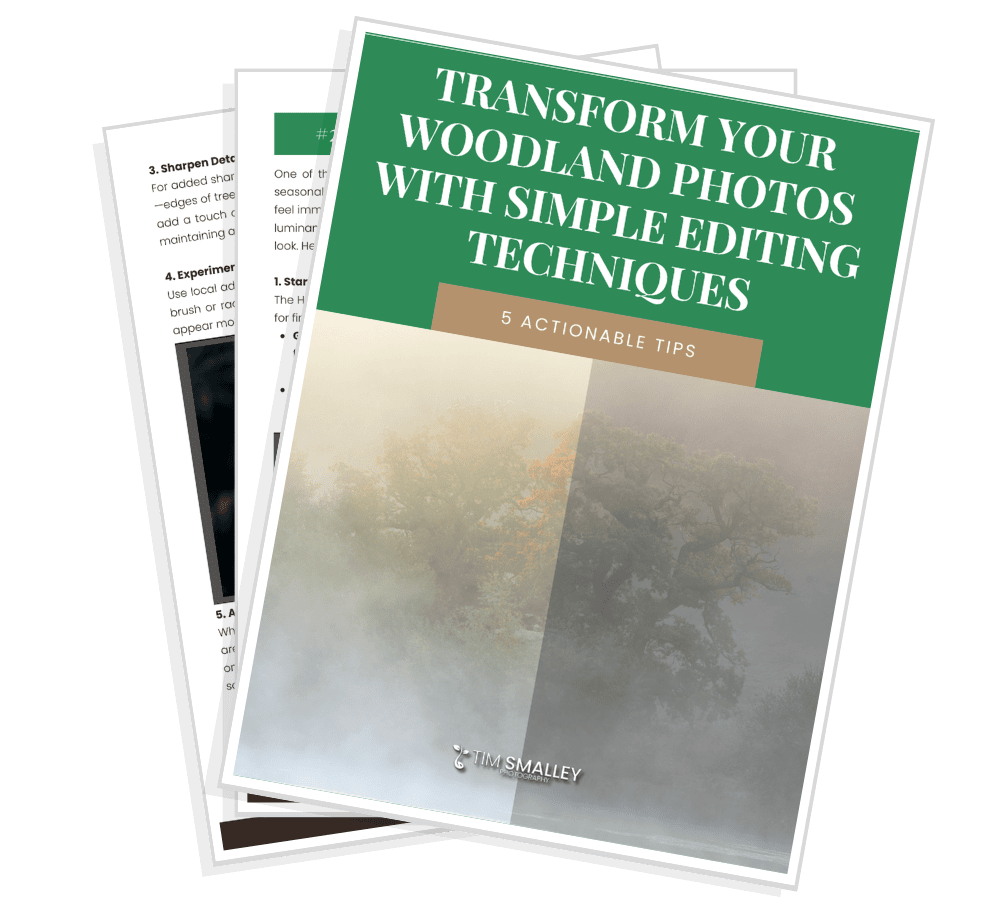
Prefer to start on your own? The free guide, From mud to magic, walks through the thinking, and the Woodland RAW prep presets pack give you the curve masks themselves.
Free starter guide
Five quiet ways to bring more out of your edits.
Join the newsletter and get the free guide, plus regular notes on seeing, composing and editing woodland images. No noise, just the useful stuff.
Unsubscribe any time. Your details stay with me.